Dishonored
Jelentkezz be a hozzászóláshoz.

Elraktam a sarokba 2 õrt, kinyitottam 1 ajtót ahol kifutottak ezek a kis aranyosak, és nekiestek a 2 õrnek <#miaz><#idiota>

Next PC upgrade: 2022


In my restless dreams, I see that town... Silent Hill.

Spoiler (katt a megjelenítéshez)
(\__/) ( X.x) ( } . { )
Next PC upgrade: 2022
Spoiler (katt a megjelenítéshez)

Spoiler (katt a megjelenítéshez)
ott csak úgy tudsz továbbjutni, de trükkös módon kinyiffantod a nagyit, vagy... nos, a pörkölt. vagy el is lophatod a kulcsot és futás, de ennél a pontnál már én is morcos voltam rá
"The trees move. Do you not see it?"
Spoiler (katt a megjelenítéshez)
Spoiler (katt a megjelenítéshez)
"The trees move. Do you not see it?"
"The trees move. Do you not see it?"


[merlinw.org]
kép kb ugyanonnan, High Overseer (második) küldi eleje:
"The trees move. Do you not see it?"

One more story

Amit csokis linkelt képek, azok nagyon jók.
Parasite Eve 2, best game EVER!
[merlinw.org]
csak összehasonlításképpen, #580-ban leírt beállításokkal így néz ki (egy öt éves konfigon):
"The trees move. Do you not see it?"
ASUS PRIME Z790-p,Intel CoreI7-12700K 3600Mhz,Gainward Geforce RTX 4060 8Gb VRAM,32GB DDR5 Kingston memory,Samsung S24D300H0 monitor,WIN 11
Így sajna néhol a 30 fps-t nyaldossa, de szép. <#idiota>
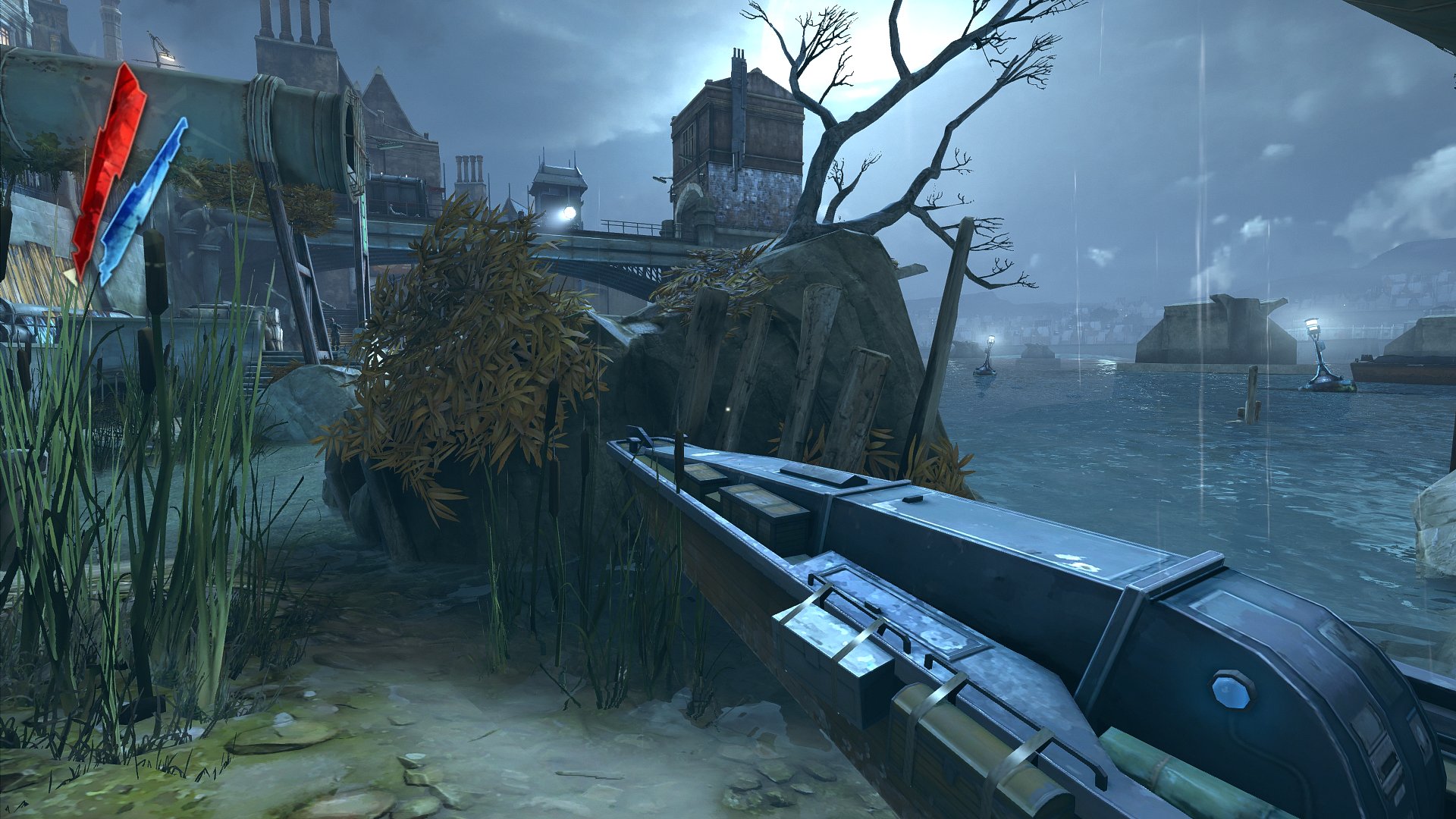
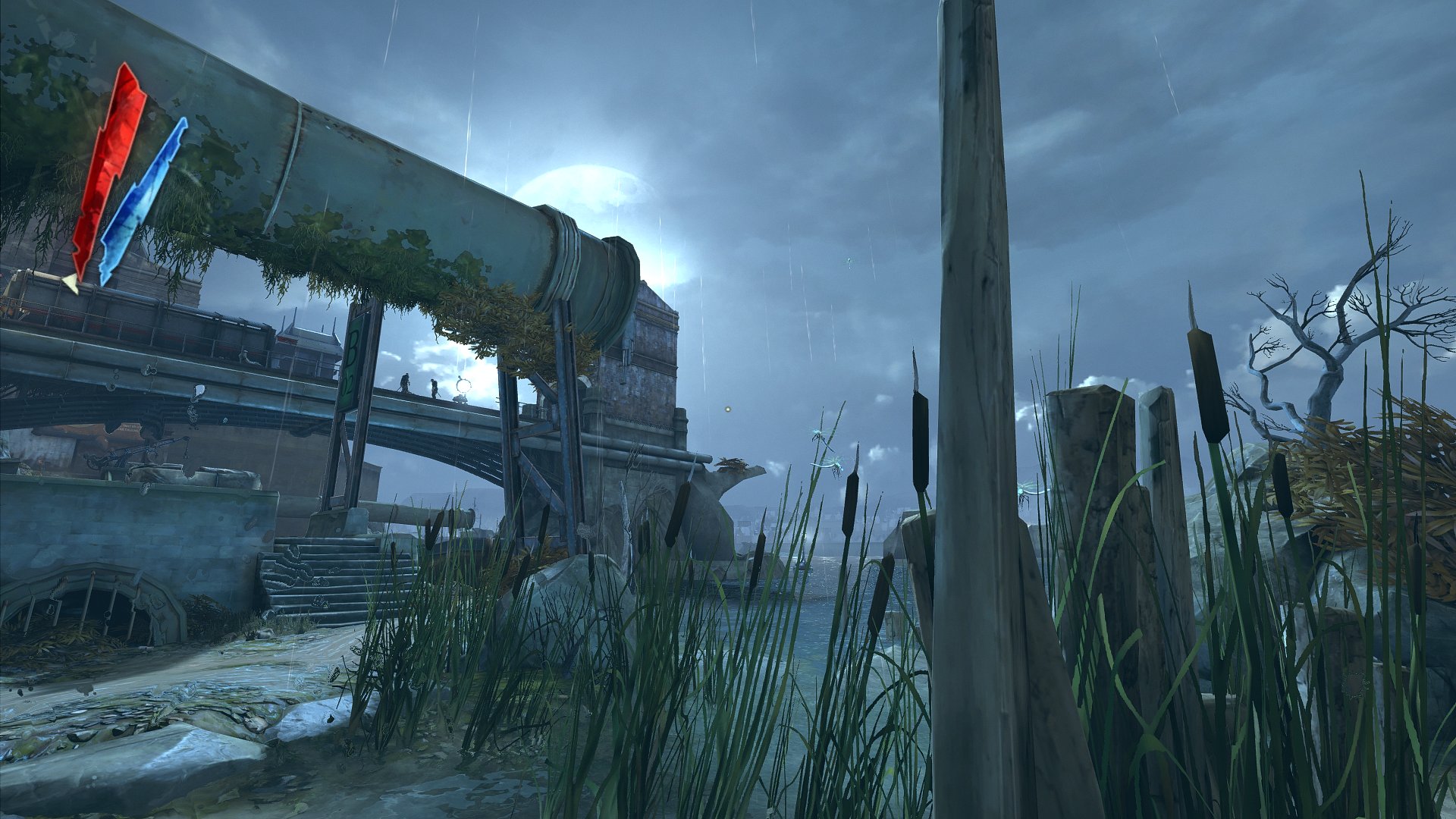
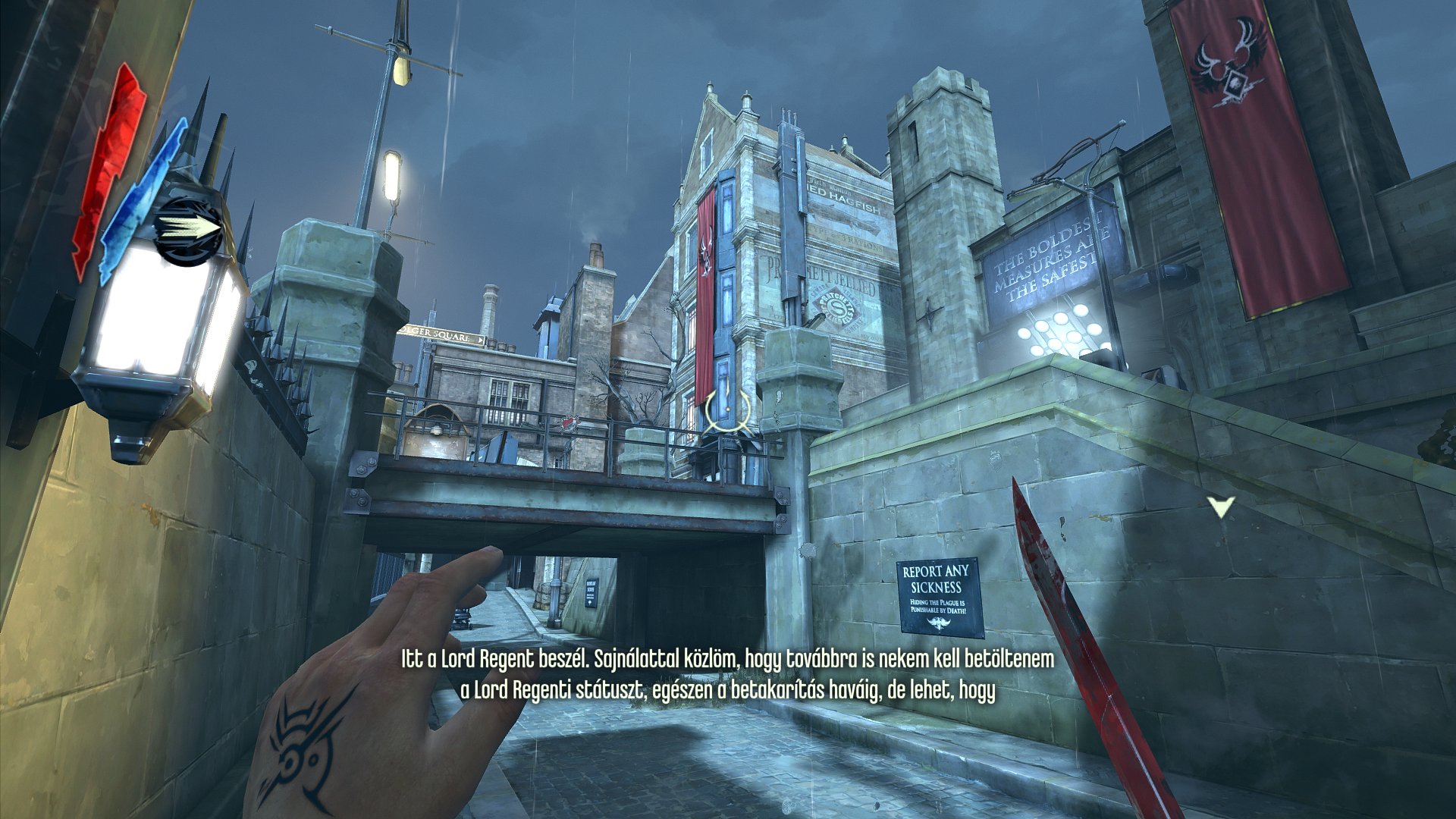
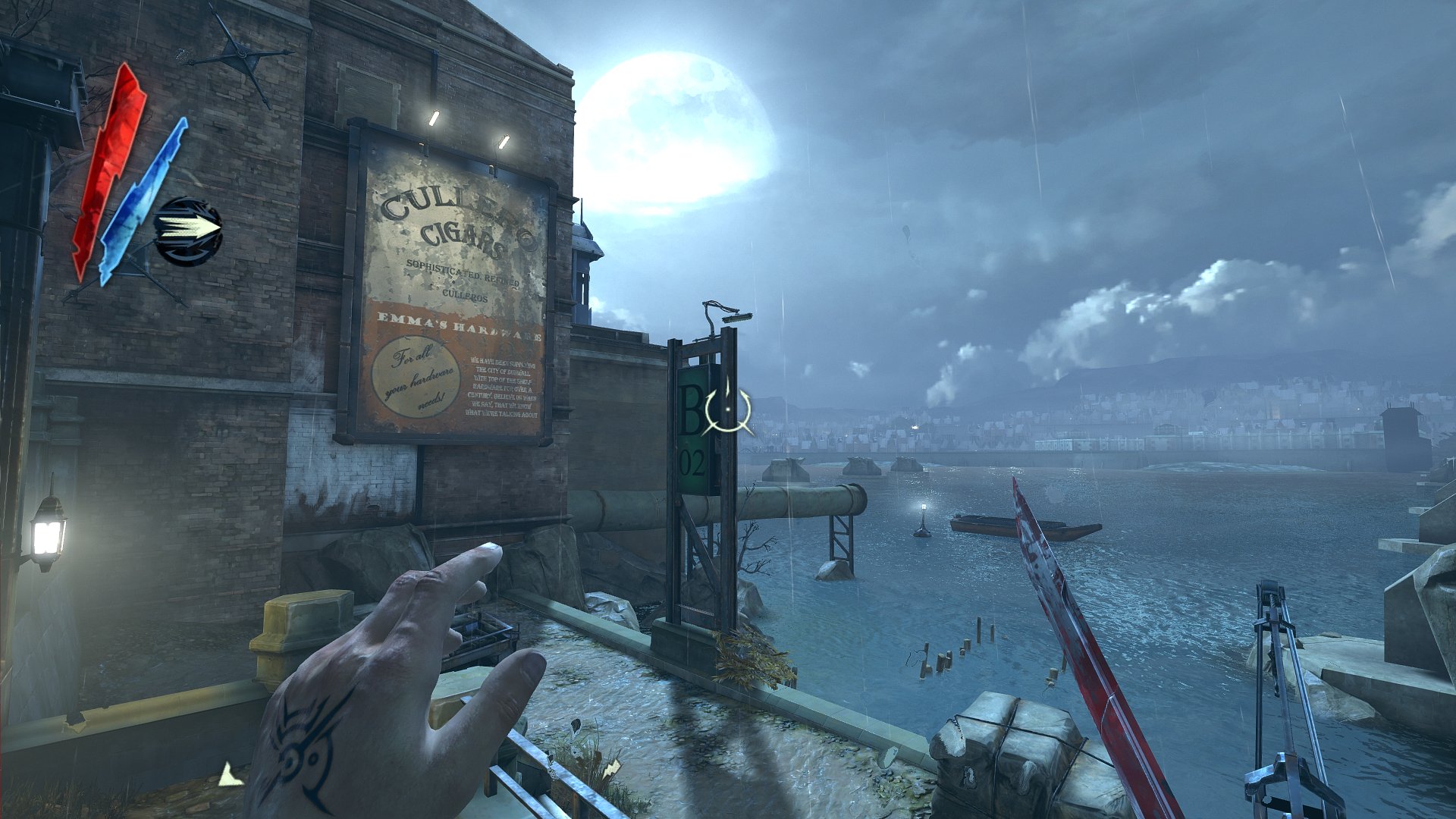
Kitömöríted az indító exe mellé, ez esetben a Dishonored\Binaries\Win32\ -be.
SweetFX_settings.txt tartalmát kicseréled arra amit írtam, vagy kedved szerint állítgatod.
Ennyi.
[merlinw.org]
One more story
Illetõleg, valaki elmagyarázná, hogy ez a SweetFx, hogy is mûködik? Amit letöltöttem, abban volt 4 fajta mappa, SweetFx color, no color, 1.2, meg még valami, most onnan csak az egyiket kell bemásolni a játék mappájába?
Illetõleg, amit MerlinW linket, azt be kell másolni abba a txt-be, de gondolom elõtte törölni kell, ami benne volt?
Lehet valamit elcsesztem és azért vannak ezek a belassulás dolgok! 😞
Sõt még menüben is be-be akad, mikor a kamera az elején "át mozdul".

e6550, HD6670 1GB, 4GB "Minden játék annyit ér, amennyire a játékos tartja!" "Olyan ember nincs aki nem warezol, csak aki nem vallja be." "A warez-ra kifogás nincs, csak magyarázat!" "Nem mindegy!"

[merlinw.org]
Mert melléjük dobok egy holtestet, de csak akkor indulnak meg ha a közelükbe érek.
Viszont ha már rámindulnak a hullával sem tudom leállítani õket.
Agyament egy játék, vagy egyszerûen csak bug, nem tudom.
e6550, HD6670 1GB, 4GB "Minden játék annyit ér, amennyire a játékos tartja!" "Olyan ember nincs aki nem warezol, csak aki nem vallja be." "A warez-ra kifogás nincs, csak magyarázat!" "Nem mindegy!"
Spoiler (katt a megjelenítéshez)
sharpen és vignette kinyomva, azon kívül ezeket leszámítva minden az alapon
/*-----------------------------------------------------------.
/ Tonemap settings /
'-----------------------------------------------------------*/
#define Gamma 1.40
#define Exposure -0.07
#define Saturation 0.04
#define Bleach 0.0
#define Defog 0.210 //How much of the color tint to remove
#define FogColor float3(0.00, 0.1, 0.1) //what color to remove - default is blue
/*-----------------------------------------------------------.
/ Vibrance settings /
'-----------------------------------------------------------*/
#define Vibrance 0.40 //Intelligently saturates (or desaturates if you use negative values) the pixels depending on their original saturation.
gyönyörû színes, de nem olyan, mint alapból, mintha egy hupikék törpike ráokádott volna a képernyõre <#bohoc>
btw köszönet mindenkinek aki ajánlgatta, ezt mostantól használni fogom, rengeteg játékban vannak sajnos élettelen színek - Spec Ops: The Line-nál is mentális orgazmust kaptam, amikor megláttam, h lehet a játék "színességét" állítani <#idiota>
"The trees move. Do you not see it?"

ASUS Z170 Pro Gaming,Intel i7 6700k,MSI GTX 1080 Gaming X,Corsair 16GB DDR4 3000Mhz PSN: Uncle_zzEN
[merlinw.org]
ASUS Z170 Pro Gaming,Intel i7 6700k,MSI GTX 1080 Gaming X,Corsair 16GB DDR4 3000Mhz PSN: Uncle_zzEN
ASUS Z170 Pro Gaming,Intel i7 6700k,MSI GTX 1080 Gaming X,Corsair 16GB DDR4 3000Mhz PSN: Uncle_zzEN
Spoiler (katt a megjelenítéshez)
   /*-----------------------------------------------------------.

  /                      Choose effects                         /

  '-----------------------------------------------------------*/


// Set to 1 for ON or 0 for OFF

#define USE_SMAA_ANTIALIASING 1

#define USE_LUMASHARPEN 1 //Also sharpens the antialiased edges which makes them less smooth - I'm working on fixing that.

#define USE_BLOOM 0       // Bloom makes bright lights bleed their light into their surroundings (relatively high performance cost)

#define USE_HDR 1         // Not actual HDR - It just tries to mimic an HDR look (relatively high performance cost)

#define USE_TECHNICOLOR 0

#define USE_TONEMAP 0

#define USE_VIBRANCE 0   //Intelligently saturates (or desaturates if you use negative values) the pixels depending on their original saturation.

#define USE_SEPIA 0

#define USE_VIGNETTE 1    //Darkens the edges of the image to make it more look like it was shot with a camera lens. May cause banding artifacts.

#define USE_DITHER 0      //Applies dithering to simulate more colors than your monitor can display. This lessens banding artifacts.


   /*-----------------------------------------------------------.

  /                  SMAA Anti-aliasing settings                /

  '-----------------------------------------------------------*/


#define SMAA_THRESHOLD 0.08           // (0.08-0.20) Edge detection threshold

#define SMAA_MAX_SEARCH_STEPS 60      //  Determines the radius SMAA will search for aliased edges

#define SMAA_MAX_SEARCH_STEPS_DIAG 20  //  Determines the radius SMAA will search for diagonal aliased edges

#define SMAA_CORNER_ROUNDING 40       //  Determines the percent of antialiasing to apply to corners.


// -- Advanced SMAA settings --

#define COLOR_EDGE_DETECTION 1        // 1 Enables color edge detection (slower but more acurate) - 0 uses luma edge detection (faster)

#define SMAA_DIRECTX9_LINEAR_BLEND 0  // Using DX9 HARDWARE? (software version doesn't matter) if so this needs to be 1 - If not, leave it at 0.


   /*-----------------------------------------------------------.

  /                       LumaSharpen settings                  /

  '-----------------------------------------------------------*/

// -- Sharpening --

#define sharp_strength 0.9 // (0.2-2.0)Strength of the sharpening

#define sharp_clamp 0.05  // Limits maximum amount of sharpening a pixel recieves - Default is 0.050


// -- Advanced sharpening settings --

#define pattern 2          // Choose a sample pattern [ 1, 2, 3 or 4 ] - I suggest 2

#define offset_bias 1.0    // (1.0) Offset bias adjusts the radius of the sampling pattern.

                           // I designed the pattern for offset_bias 1.0, but feel free to experiment.


// -- Debug settings --

#define splitscreen 0      // Enables the before-and-after splitscreen comparison mode. Left side is before.

#define show_sharpen 0     // Visualize the strength of the sharpen (multiplied by 4 to see it better)


   /*-----------------------------------------------------------.

  /                       Bloom settings                        /

  '-----------------------------------------------------------*/

#define BloomThreshold 20.25

#define BloomPower 0.5

#define BloomWidth 0.0120


   /*-----------------------------------------------------------.

  /                        HDR settings                         /

  '-----------------------------------------------------------*/

#define HDRPower 1.30  //Strangely lowering this makes the image brighter

#define radius2 0.85   //Raising this seems to make the effect stronger and also brighter


   /*-----------------------------------------------------------.

  /                      TECHNICOLOR settings                   /

  '-----------------------------------------------------------*/

#define TechniAmount .2

#define TechniPower 2.8

#define redNegativeAmount 0.88

#define greenNegativeAmount 0.88

#define blueNegativeAmount 0.88


   /*-----------------------------------------------------------.

  /                        Tonemap settings                     /

  '-----------------------------------------------------------*/

#define Gamma 1.0

#define Exposure -0.5

#define Saturation .05

#define Bleach 0

#define Defog 0.01

#define FogColor float4(2.55, 2.55, 0, 0)


   /*-----------------------------------------------------------.

  /                       Vibrance settings                     /

  '-----------------------------------------------------------*/

#define Vibrance 0.2  //Intelligently saturates (or desaturates if you use negative values) the pixels depending on their original saturation.


   /*-----------------------------------------------------------.

  /                         Sepia settings                      /

  '-----------------------------------------------------------*/

#define ColorTone float3(1.12, 0.66, 0.20)

#define SepiaPower 0.25

#define GreyPower 0.15


   /*-----------------------------------------------------------.

  /                       Vignette settings                     /

  '-----------------------------------------------------------*/

#define VignetteRadius 2.8  // lower values = stronger radial effect from center

#define VignetteAmount -2  // Strength of black. -2.00 = Max Black, 1.00 = Max White.

#define VignetteSlope 2.9      // How far away from the center the change should start to really grow strong (odd numbers cause a larger fps drop than even numbers)

#define VignetteCenter float2(0.500, 0.500) // Center of screen for effect.


   /*-----------------------------------------------------------.

  /                        Dither settings                      /

  '-----------------------------------------------------------*/

//No settings yet, beyond switching it on or off in the top section.


[merlinw.org]
"The trees move. Do you not see it?"

"...a labda mindenhol gömböly?, a focisták mindenhol kenhet?ek, a bírók meg mindenütt befújják a kamu büntet?t" Játszd körbe coin+concede kombóval!
"...a labda mindenhol gömböly?, a focisták mindenhol kenhet?ek, a bírók meg mindenütt befújják a kamu büntet?t" Játszd körbe coin+concede kombóval!
"...a labda mindenhol gömböly?, a focisták mindenhol kenhet?ek, a bírók meg mindenütt befújják a kamu büntet?t" Játszd körbe coin+concede kombóval!
